
Multi-chain does not merge chain state
Each chain keeps its own blocks, gas asset, confirmations, and risk boundary. Matching address formats do not remove the need to check the network.
imtoken
A multi-chain wallet, blockchain network and Web3 knowledge hub from imtoken
Understand multi-chain assets, network selection, sending and receiving, DApp connections, approvals, network mechanics, and wallet security through clear, verifiable steps.
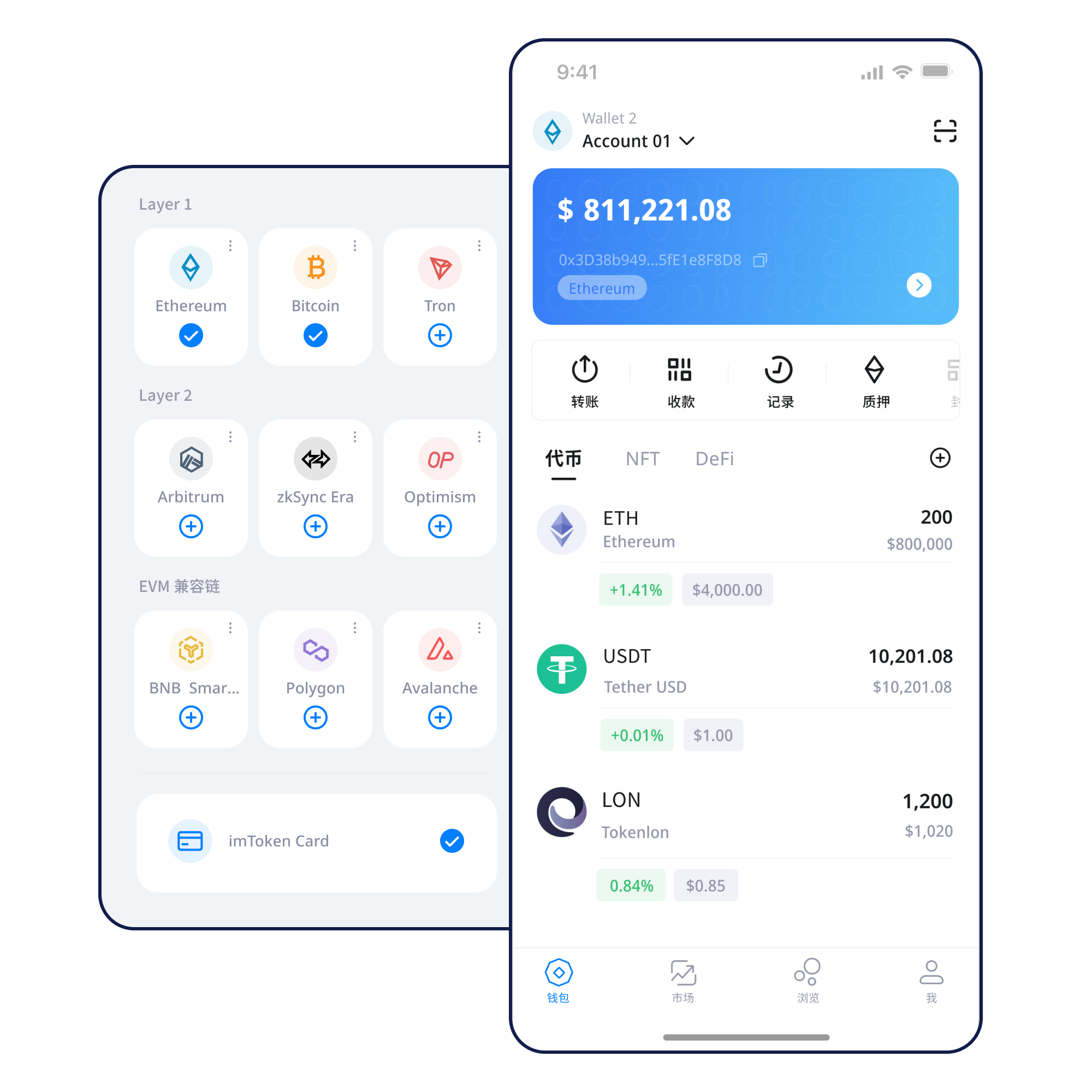
Learn how wallet creation, addresses, and key control relate before you receive your first asset.
Learn more →Keep seed-phrase backups offline and avoid treating screenshots, cloud sync, or chat apps as the default backup.
Backup principles →Confirm the network before sharing an address so the sender knows exactly which chain to use.
Receiving guide →Review address, network, amount, and gas, then keep the transaction hash for independent verification.
Transaction checks →Connection starts a session; every signature, transaction, or approval still deserves its own review.
DApp guide →Wallet capabilities
A wallet interface helps interpret chain state, while network, public address, transaction hash, and contract details remain the key verification points.
Address, network, amount, gas, and transaction hash form a complete verification trail.
View the flow →Network explorer
Each chain keeps its own blocks, gas asset, confirmations, and risk boundary. Matching address formats do not remove the need to check the network.
Transactions propagate through nodes and enter blocks under network consensus; explorers provide an independent way to inspect hashes and state.
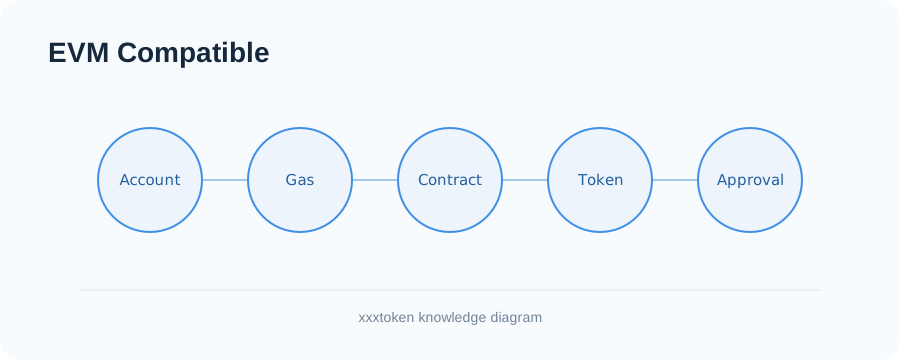
EVM-compatible networks can share address and contract conventions while maintaining separate gas, assets, and chain state.
Layer 2 systems scale base-chain activity through different mechanisms; cross-layer transfers can involve bridges, proofs, and waiting periods.
Gas depends on execution complexity and network demand. Inclusion adds confirmations, while finality rules differ across networks.
Wallet journey
Use a trusted path to the download page rather than unknown private-message links.
Handle seed phrases only inside a trusted wallet restoration flow.
Keep the seed phrase complete, offline, and private.
Matching address formats never replace a network check.
Review address, network, amount, and fee before sending.
Use transaction hashes for verification and periodically clean up permissions you no longer need.
Web3 & DApp
Connecting a wallet does not mean every signature request should be accepted. Review each signature and approval independently.
Explore Web3 guidance →Security
Seed phrases and private keys remain under the user’s control. imtoken staff will never ask for them. Because on-chain transactions generally cannot be reversed by a wallet provider, review the address, network, amount, domain, contract, and permission scope before sending, signing, or approving. Use extra care on public devices or networks and with remote-control software or unknown extensions.
Security center →
Academy
A public address can be shared, while a seed phrase and private key must remain secret. Networks determine where a transaction occurs, gas represents execution cost, and a transaction hash lets you verify state. A DApp connection opens a session, while signatures and approvals can carry real authority or change chain state.
Read the guide →Ethereum
Understand PoS, validators, reward sources, network status, withdrawals, and exits. Rewards are not fixed and depend on protocol and network conditions.
Explore Ethereum staking →Updates
FAQ
From wallets and networks to Web3 security and Ethereum PoS, start troubleshooting with information that can be verified publicly.
No. Assets are recorded on blockchain networks. A wallet mainly manages the keys that control addresses and presents on-chain state.
A private key controls an account directly. A seed phrase can usually derive a group of private keys and addresses. Both must remain private.
No. imtoken staff will never ask for a seed phrase, private key, or verification code, and an ordinary support page should not need them.
Many EVM-compatible networks use the same address format, but each network keeps separate balances, blocks, and transaction history.
Verify the recipient address, network, amount, and estimated gas. A small test can be useful when sending to a new destination.
Gas measures the execution resources used by a transaction or contract call. The actual fee depends on execution and network demand.
It lets you look up a broadcast transaction on the correct block explorer and inspect block inclusion and confirmations.
imtoken
All download actions go through the dedicated download page. Final mobile target URLs are not exposed in content pages.